
-
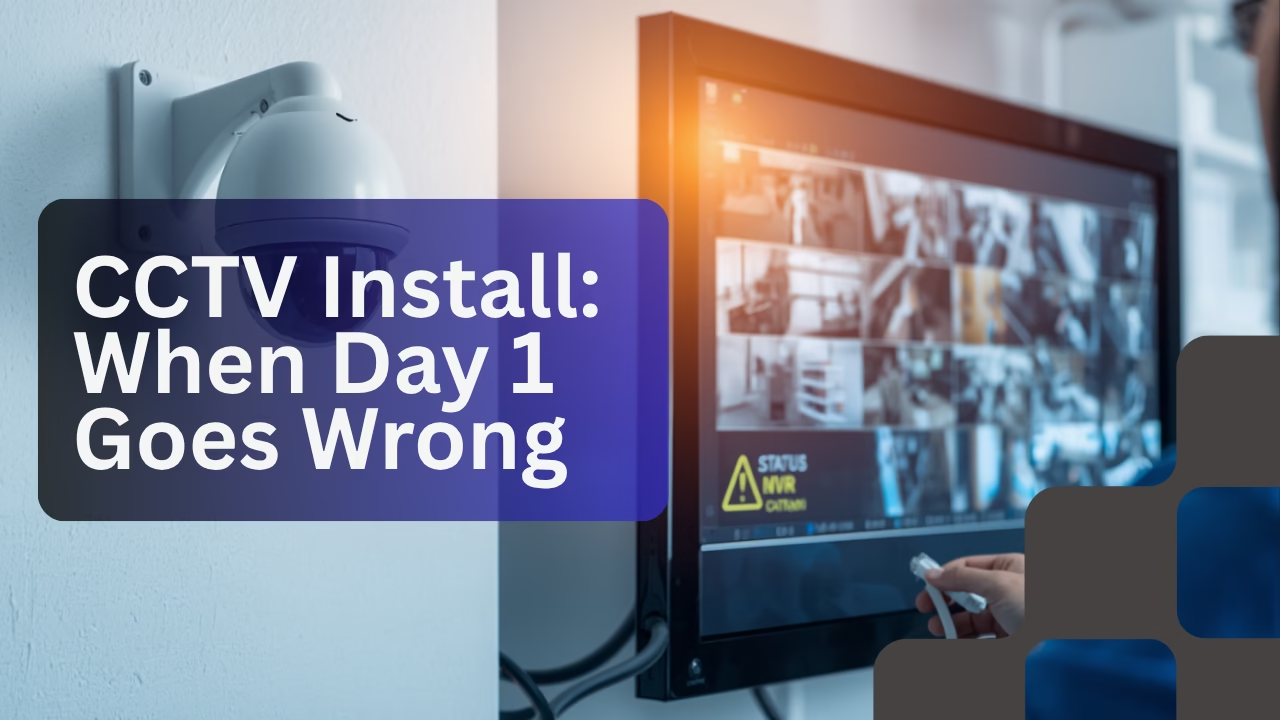
Field Notes & Deployment Diaries: CCTV Installation Challenges: A Day 1 Case Study
•
The post narrates the deployment of CCTV cameras in a residential setting, highlighting the pre-deployment checklist, efficient installation phase, and challenges faced during connectivity setup. Despite meticulous planning and execution, issues such as erratic camera connections emerged, prompting a troubleshooting strategy for resolution on the subsequent day.
-

eSSL Biometrics Wi-Fi Connectivity: The Obvious Issue
•
The case study investigates a Wi-Fi connectivity issue with an eSSL biometric attendance machine, which failed after initial successful operation. Diagnostics revealed distance and structural interference as primary causes. After demonstrating the issue, the team relocated the device closer to the router, resolving the connectivity problems effectively.
-
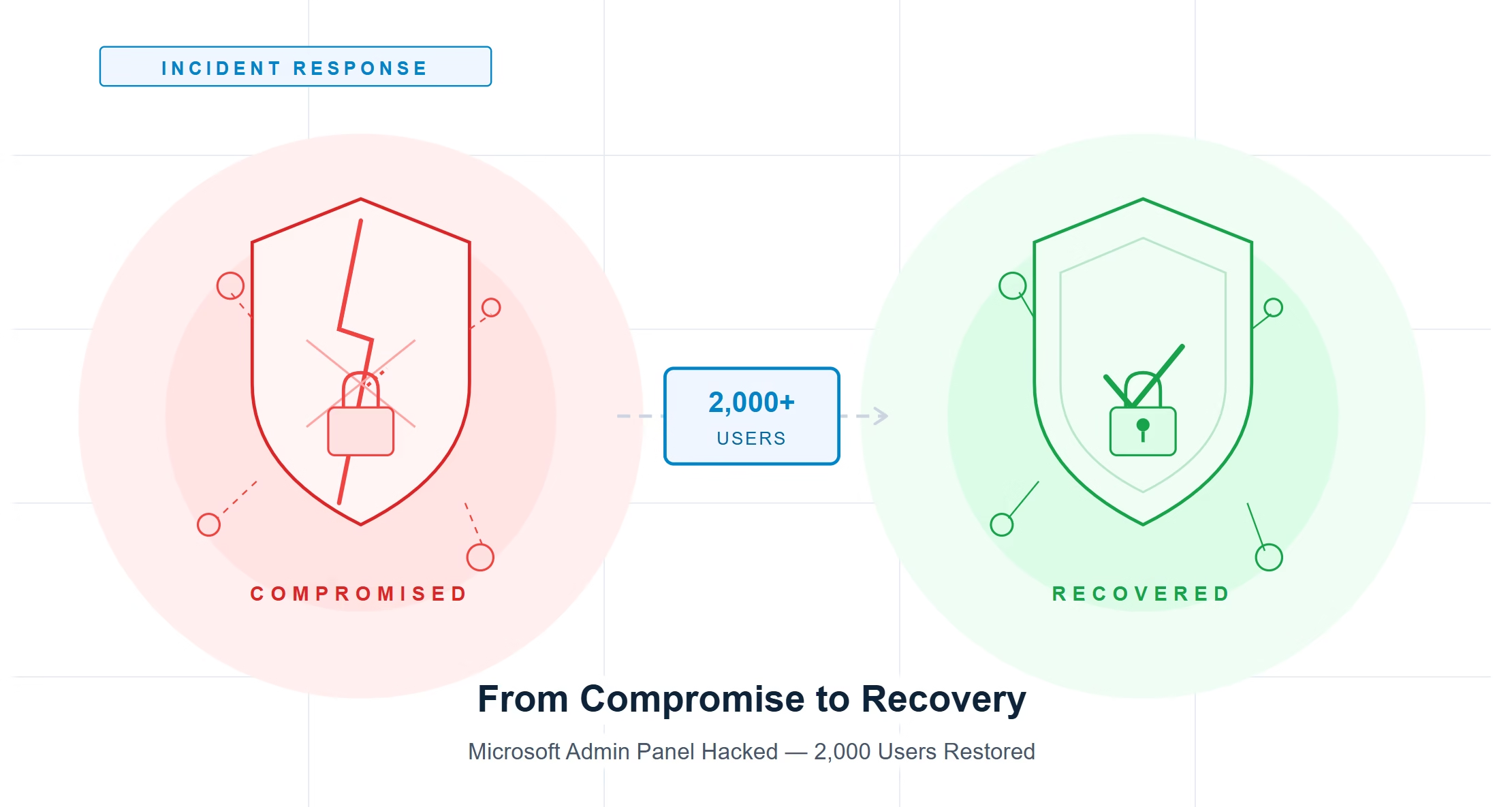
From Compromise to Recovery: Resolving a 2,000-User Microsoft Admin Panel Hacked
•
A major medical college in Greater Noida experienced a severe IT crisis when access to its Microsoft admin panel was compromised, affecting over 2,000 user accounts. Recovery involved complex vendor coordination, restoring authentication services, and rebuilding systems. The incident highlights the necessity of strong security measures like Multi-Factor Authentication to protect against similar breaches.
-
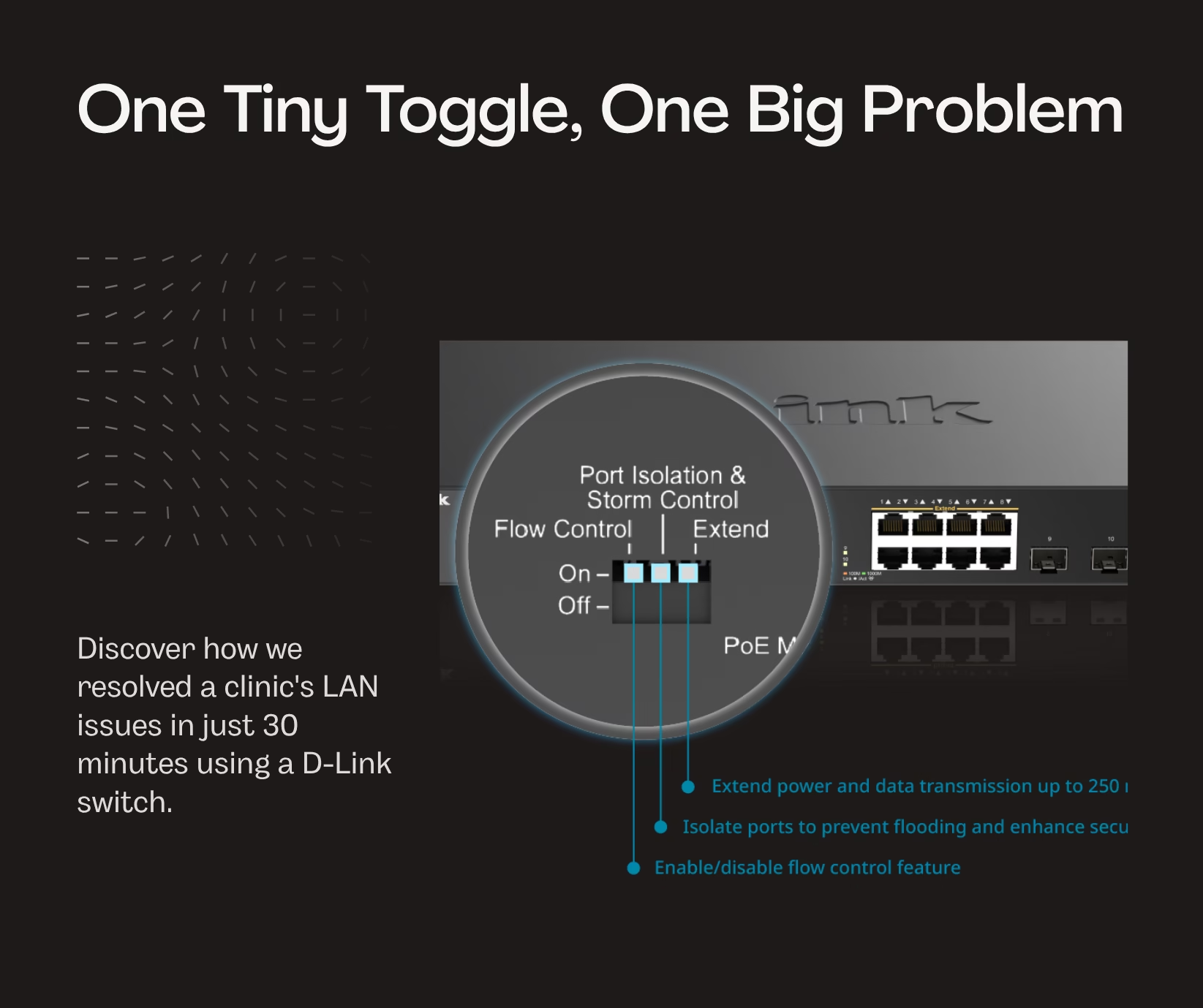
One Tiny Toggle, One Big Problem: How We Fixed a Clinic’s LAN in 30 Minutes
•
A clinic faced LAN communication issues among its equipment, despite internet access. Previous vendors failed to resolve the problem, which stemmed from an accidentally toggled Port Isolation feature and a disconnected backbone cable. The third vendor diagnosed and resolved both issues within 30 minutes, establishing a trustworthy relationship and future support.
-
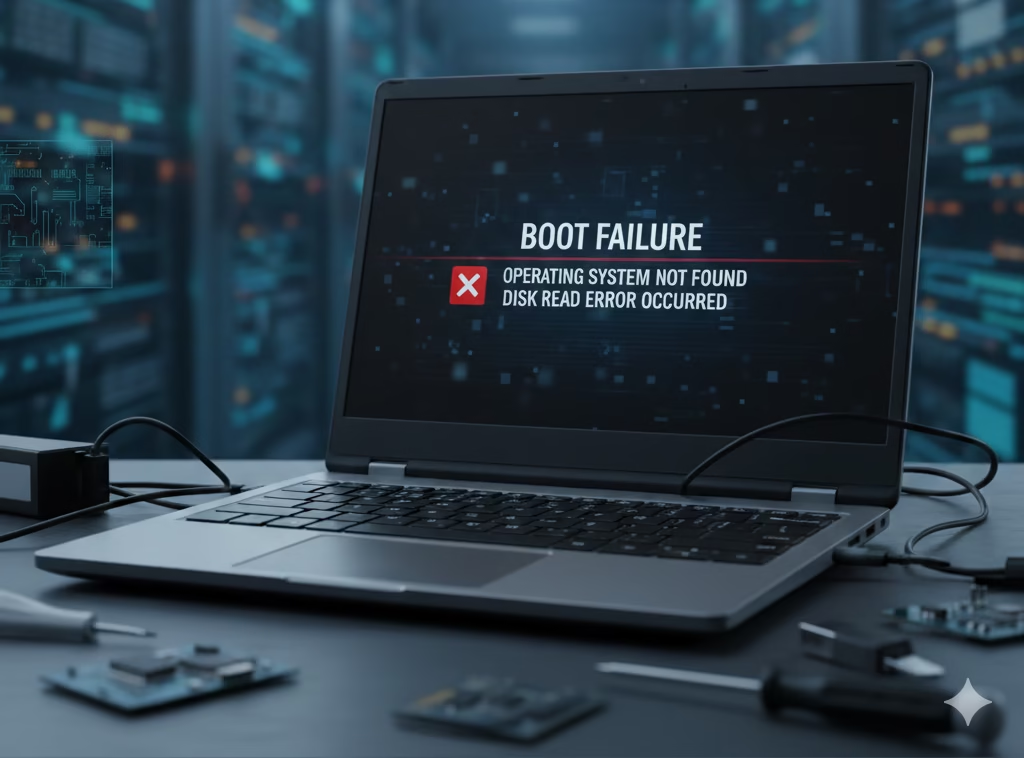
“Mera laptop start nahi ho raha!” What does it mean?
•
The content outlines a systematic approach to diagnosing common PC issues, categorized into four stages: No Power, No POST, No Display, and No Boot. Each stage details symptoms, common causes, and initial troubleshooting steps to help users identify and resolve hardware problems efficiently, saving time and reducing guesswork.
-
How to Change DNS on Windows 11/10 (2 Easy Methods)
•
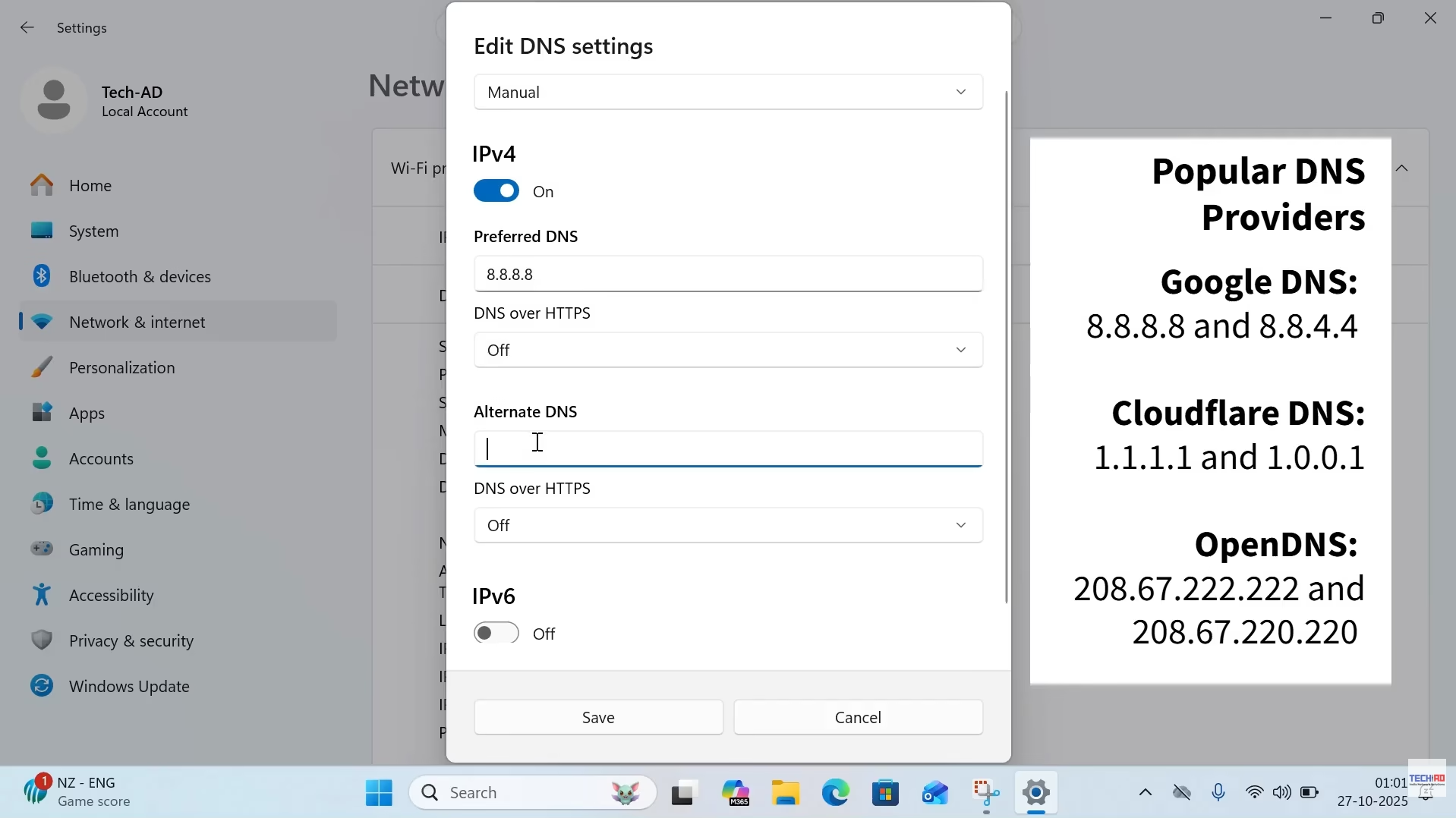
How to Change DNS on Windows 10 & 11 | Step-by-Step Guide Changing your DNS settings can help improve your internet speed, privacy, and connection reliability.In this guide, we’ll walk you through two easy methods to manually change the DNS on your Windows 11 or Windows 10 PC.(These steps also work for Windows 7.)…
-

When Half the Office Goes Offline—
•
Office Network Issue Case Study | Slow Internet Troubleshooting & Switch Fix We have recently acquired an Annual Maintenance Contract for a client with over 70 users in Kalkaji, New Delhi. It is one of our bigger clients. Usually, we recommend a Resident Engineer (RE) for businesses with a user size of over 50,…
-
Fixing ESSL X990 Connection Error with eTimeTrackLite
•
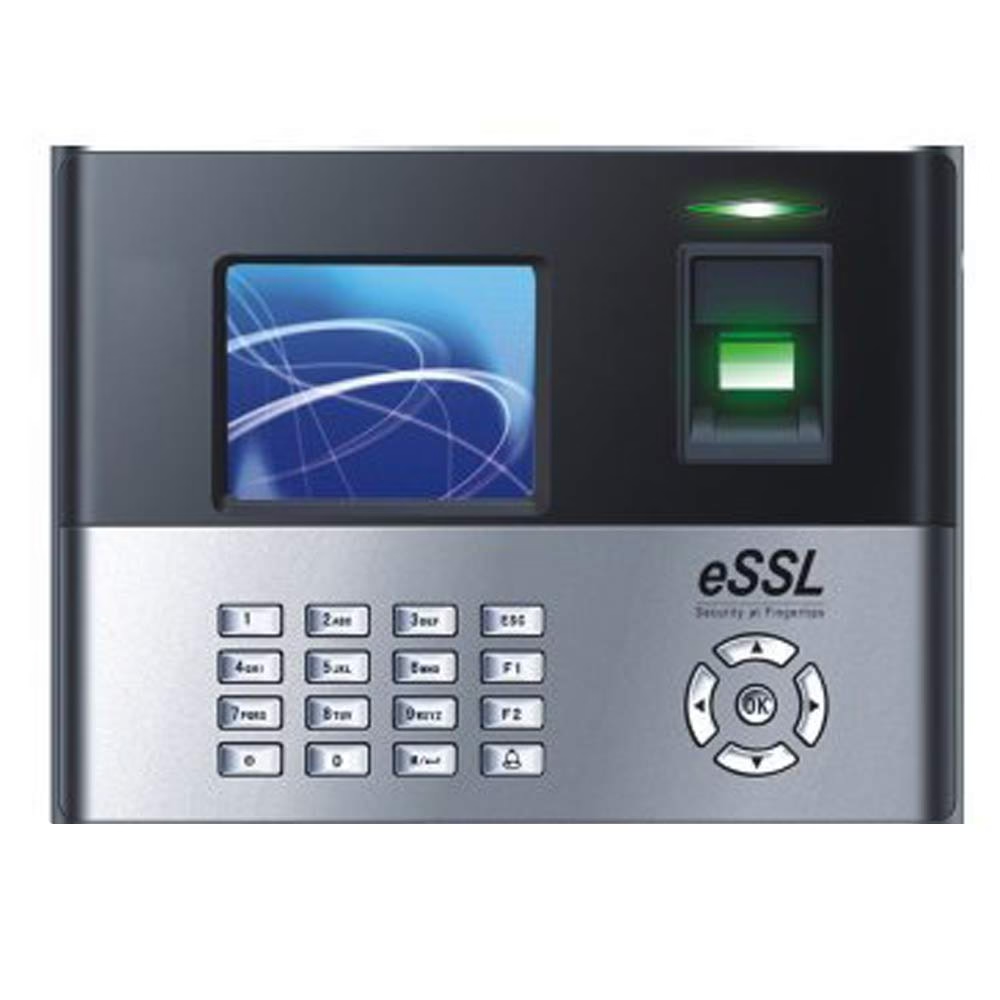
ESSL X990 Not Connecting? Fix “W Device Error Failed Connect Device” When one of our supported businesses faced repeated connection failures between their legacy ESSL X990 biometric attendance machine and the eTimeTrackLite software, it turned into a deep troubleshooting journey. The device refused to connect and displayed the persistent error: “W Device Error, Failed…
-
Canon Printer Error Code 202E: A Technician’s POV and Step-by-Step Guide
•
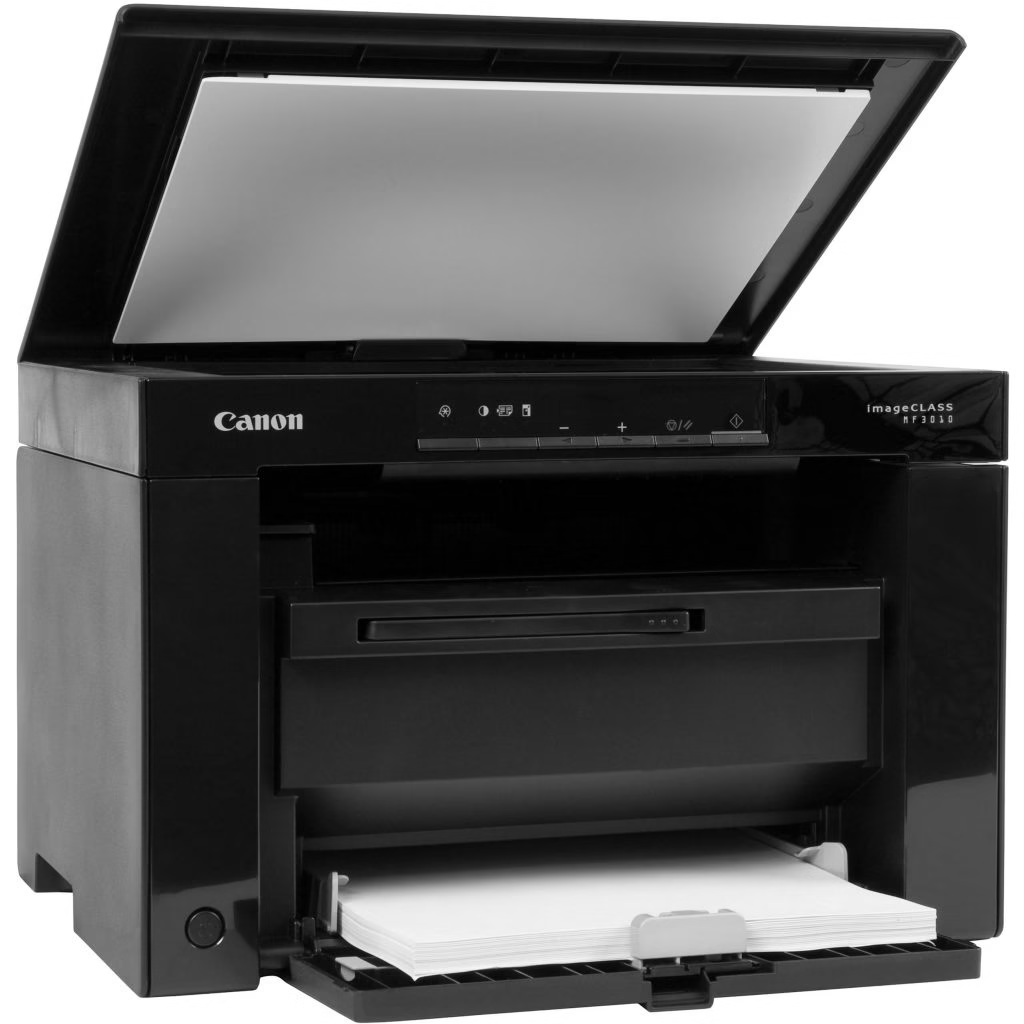
Canon MF3010 Error 202E Fix | Scanner Issue Troubleshooting Guide Recently, we, at Tech-AD, received a customer issue with a Canon MF3010 printer that displayed the error code 202E. This error prevented the printer from performing its primary functions—printing and scanning. Here’s how I diagnosed and resolved the problem. Understanding the Issue ‘When in…
-
Fixing Active Directory Trust Relationship Issue
•
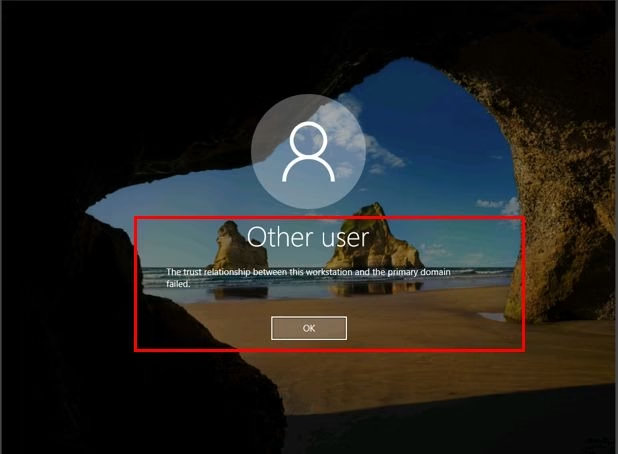
Fix “Trust Relationship Failed” Error in Active Directory | Step-by-Step Guide Active Directory (AD) trust relationship issues can be a significant roadblock in maintaining a seamless IT environment. These problems often manifest as the dreaded error message: “The trust relationship between this workstation and the primary domain failed.” From my experience, addressing these issues…