
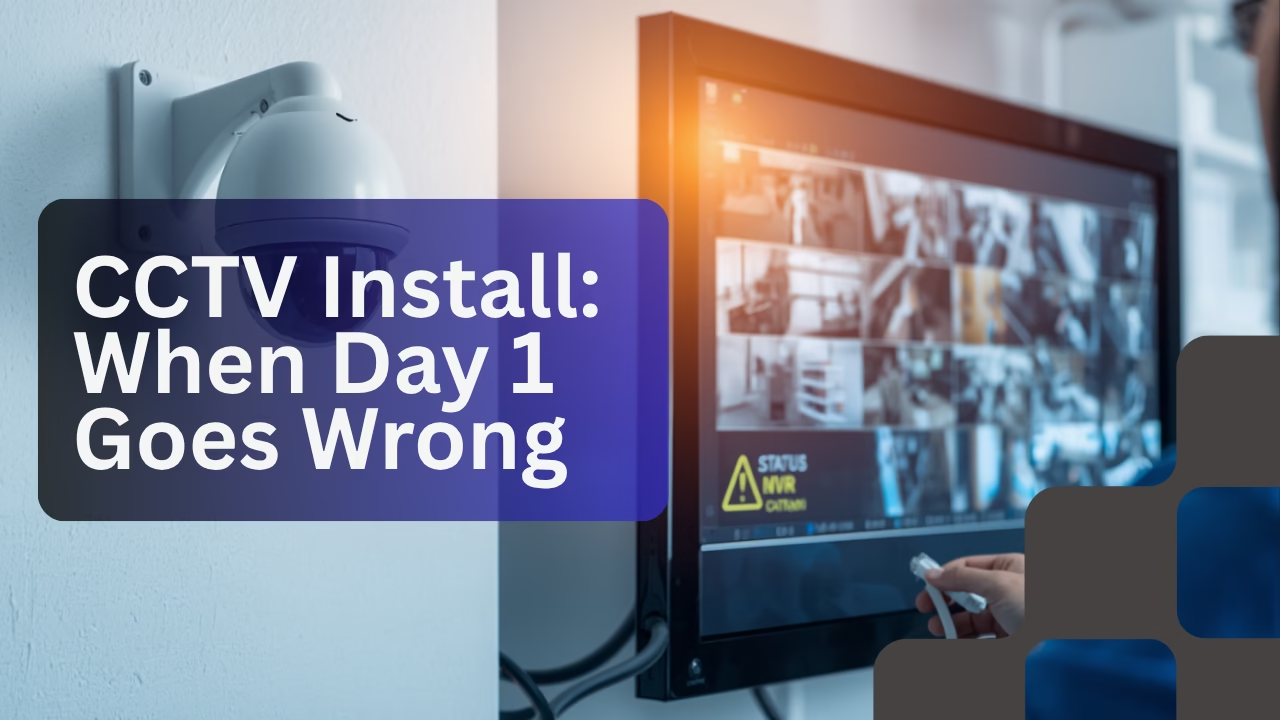
Deploying infrastructure in residential spaces brings a unique set of variables compared to standardized corporate B2B environments. When a routine domestic request to install two high-definition CCTV cameras hit our desk, we expected a swift deployment—but field realities have a way of introducing sudden operational curves.
Pre-Deployment & Inventory Checklist
To avoid mid-installation friction, all hardware and auxiliary routing inventory had been procured, reviewed, and organized a day prior to arrival. Our physical architecture build layout consisted of the following items:
- CCTV Cameras & 4-Channel NVR: Pre-configured network video recorder from CP Plus alongside dedicated individual cameras.
- 4-Port PoE Switch & Cable Runs: A 100-Meter Cat 6 spool paired with a Power over Ethernet (PoE) switcher to drive power and data down unified pipelines.
- Storage & Housing Units: A robust 2 TB Surveillance Hard Disk Drive (HDD) integrated within a compact 1U Dynamic Network Rack alongside baseline cabling tools.
Seamlessly establishing reliable perimeter monitoring with hidden structural component storage inside a residential premises.
The Clean Run: Structural Routing and Mounts
The project initial phase progressed with exceptional efficiency. Our field technician and the onsite electrician collaborated tightly to anchor the structural foundations. Structural cable drops and long-run links were drawn smoothly across walls, directly incorporating immediate design and layout suggestions from the client without operational lag.
Unlike traditional commercial spaces, residential projects introduce close, personal client engagement. The property owner actively guided camera placement positions, ensuring monitoring scopes matched their preferences. Concurrently, the 1U network rack was fitted neatly into a concealed storage area bounded by screw-retained panels.
The Pivot: Post-Mount Connectivity Obstacles
Troubles began scaling up late into the evening after the physical infrastructure housing, NVR, switches, and lenses were permanently mounted. Gathering around the central console with the user to initiate customized software zoning profiles, the network configuration encountered a bottleneck.
While independent camera endpoints were directly reachable on a unit-by-unit verification basis, connectivity feeding back from one of the lines remained erratic. Basic physical troubleshooting steps—such as unplugging and re-seating the Cat 6 terminations—stabilized the physical linkage only marginally without solving the underlying dropouts.
Upon logging into the master NVR dashboard, both cameras were successfully identified and initiated. However, the moment they were added to the active viewing grid, the system threw a critical status alert represented by a persistent red indicator dot.
Day 1 Takeaway & Status Report
With operational diagnostics stretching past 9 PM, the on-site engineering crew logged out for the night to reset and map a structured troubleshooting pathway. Field recovery operations will resume on Monday, targeting potential localized cable defects, voltage fluctuations across the PoE ports, or firmware handshake discrepancies between the CP Plus NVR software layers.



Leave a Reply